One place for the board,
the members and the events.
Encorum replaces the six or more tools, shared drives and inboxes most associations stitch together. One sign-in, plain words, and it works on a phone.
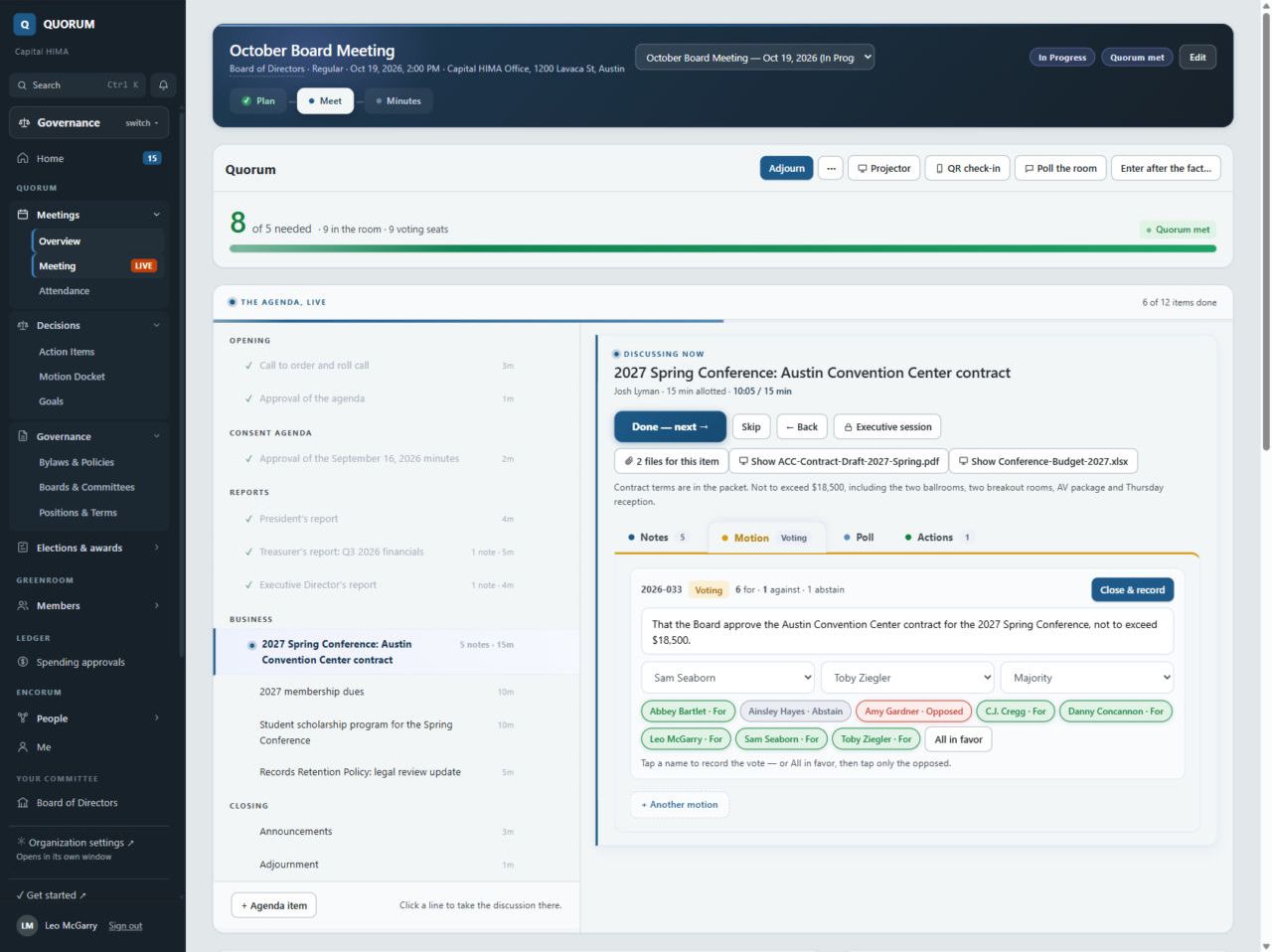
Quorum: meetings and governance
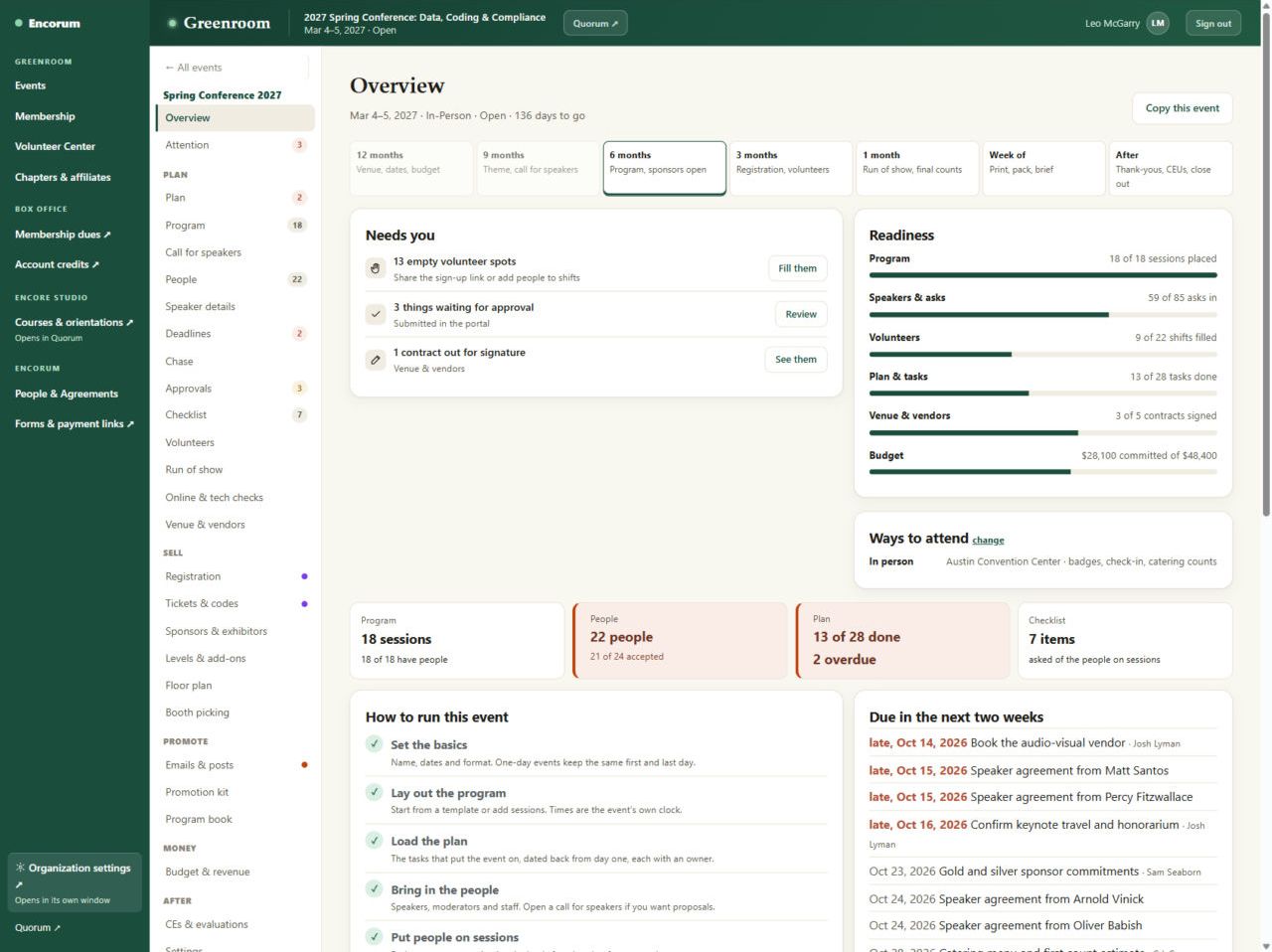
Build the agenda once, with files and draft motions on each item. Run the meeting from a laptop while the room follows on the projector. Votes land in the record as they happen, and the minutes are mostly written before you leave.
- Agendas, packets and readiness checks before notice goes out
- Live motions, seconds and roll-call votes, on the projector and on phones
- Minutes that draft themselves, then circulate, approve and sign
- Boards, committees, seats, terms, attendance and bylaws with redlines
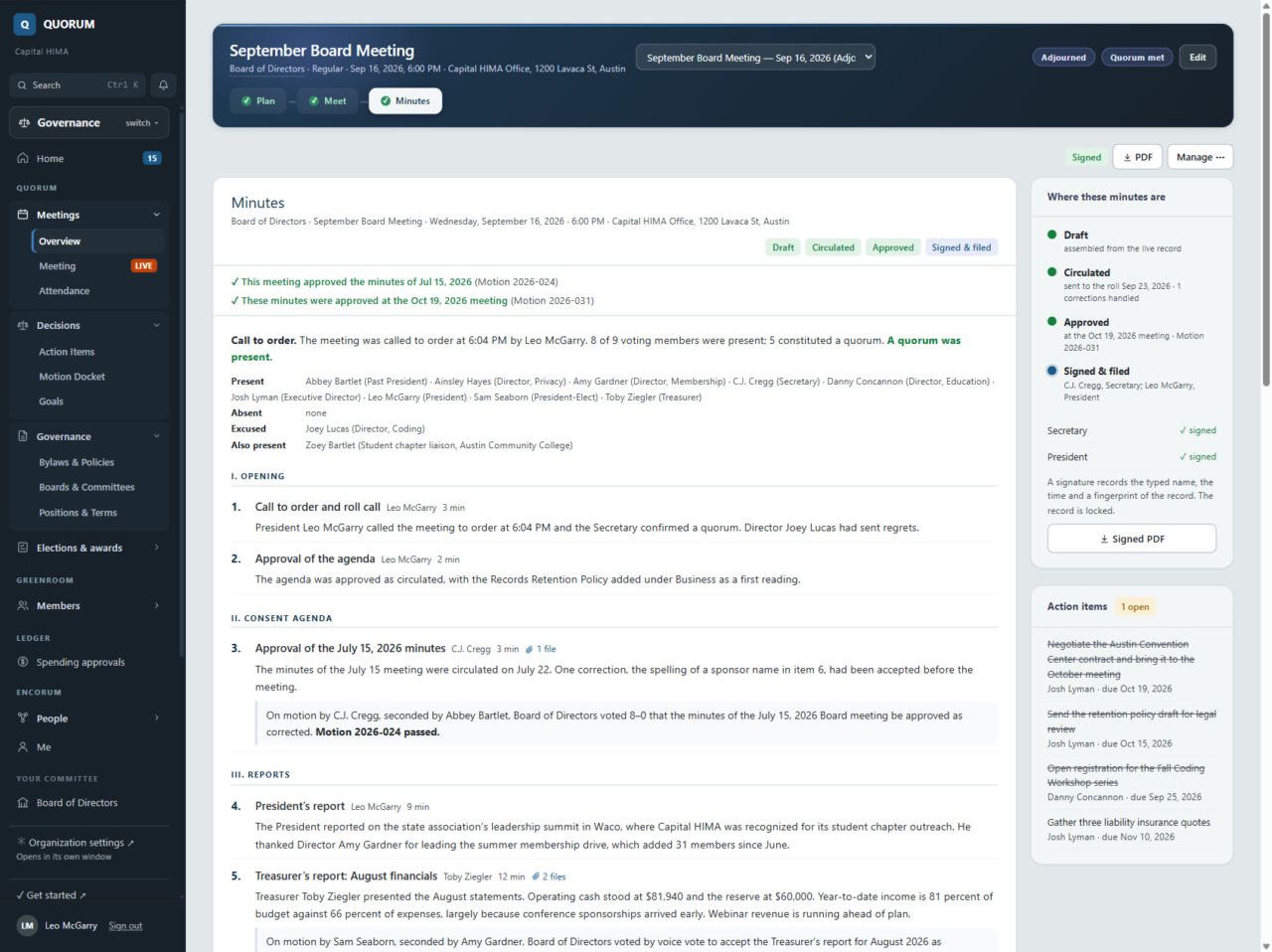
Front Row: members and elections
Every member gets their own page: renewals, ballots, certificates and what is coming up. Newsletters go to the right people, and elections run with secret ballots and one-time codes, no passwords to forget.
- Member hub with renewals, receipts and CE records
- Newsletters and announcements with audiences and unsubscribes handled
- Nominations, secret ballots, turnout against your bylaws, certified results
- Printed ballot codes so every member can vote
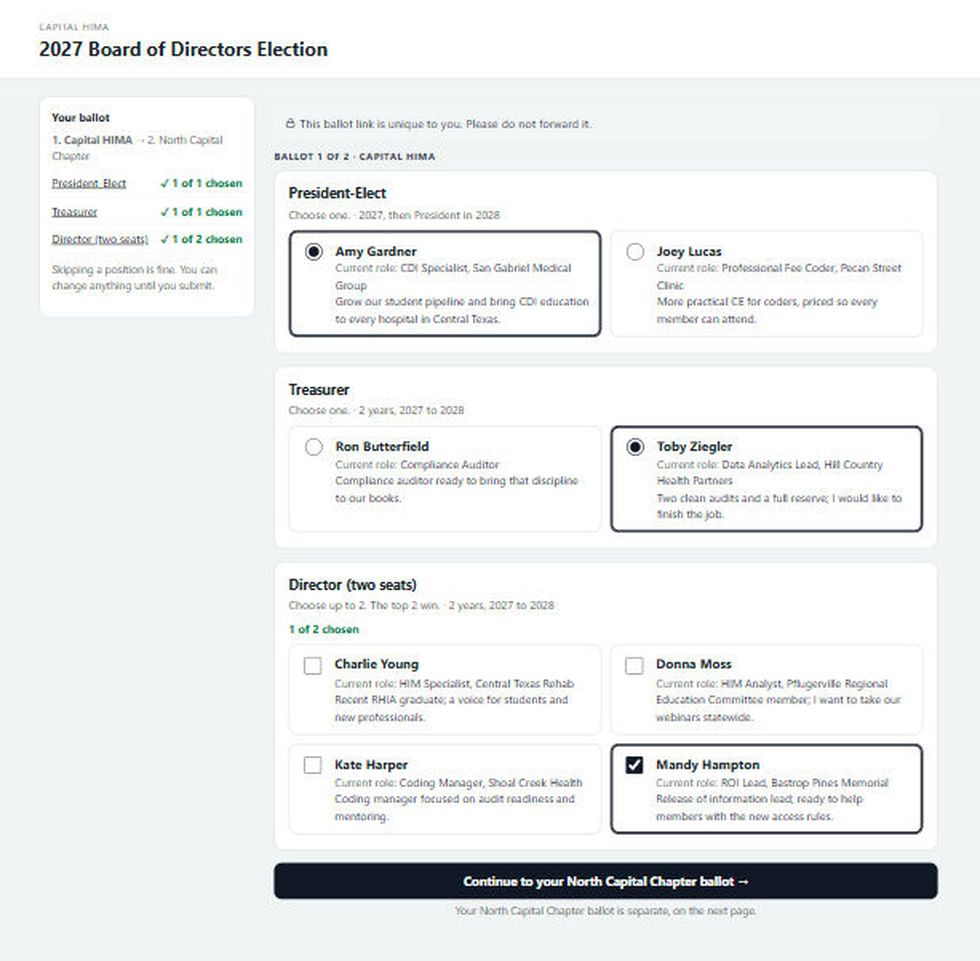
Greenroom: events and volunteers
Twelve months out to the thank-you notes, on one page. Speakers get their own portal so nobody chases them by email, and volunteers sign up for shifts themselves.
- Call for speakers, scoring and the program grid by day and room
- Speaker portal for bios, slides, agreements and travel
- Volunteer shifts, run of show, venue, hotels and budget
- Joint events with partner associations
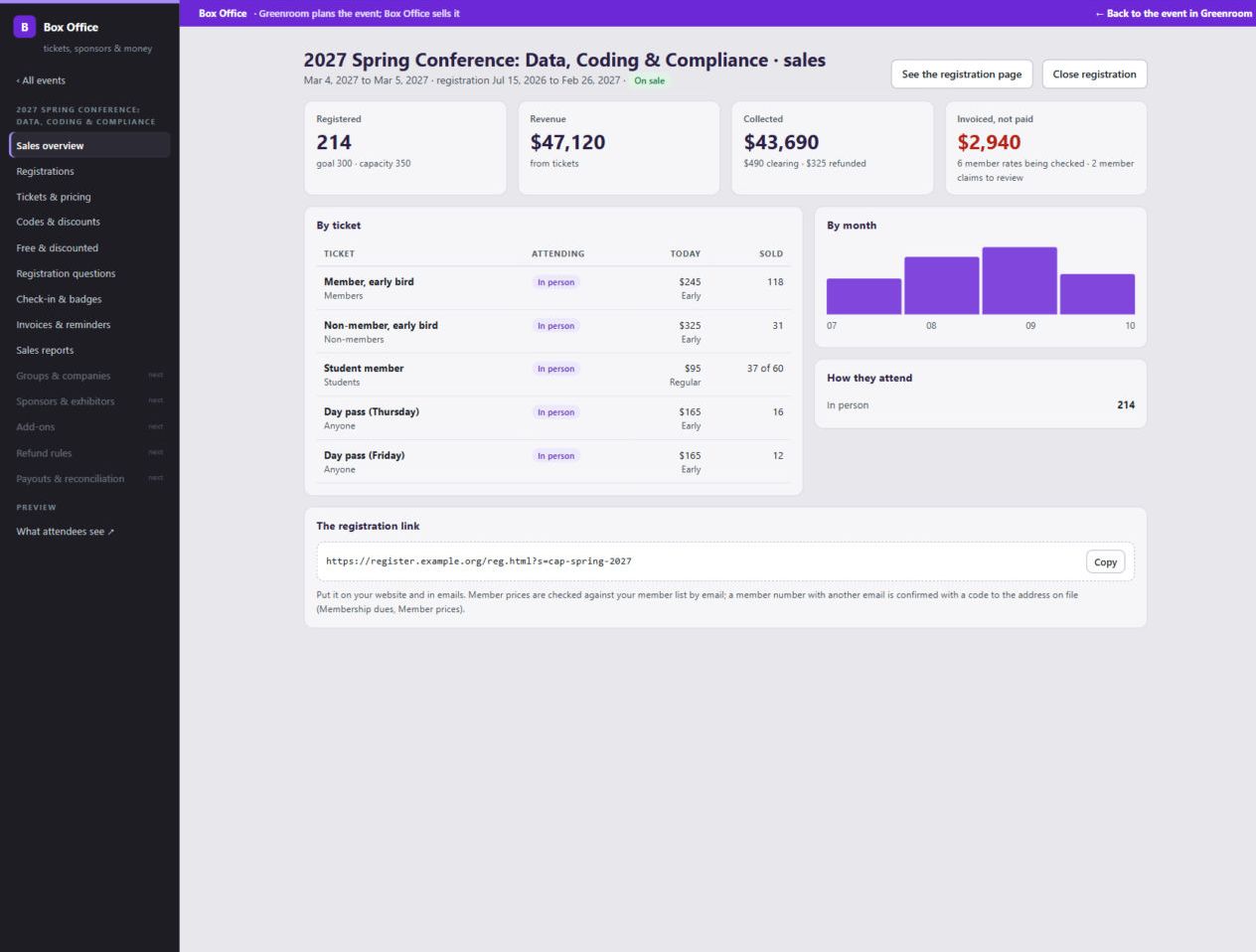
Box Office: registration and dues
Members register at the member price because Encorum recognizes them from your member list. Money goes straight to your own processor account. We never take a cut of your payments.
- Card payments through your own processor account, plus checks and invoices
- Tickets, member pricing, capacity, check-in and badges
- Dues renewals that update the member list the moment they pay
- Invoices, receipts, refunds and sales reports
Encore Studio: learning and CE
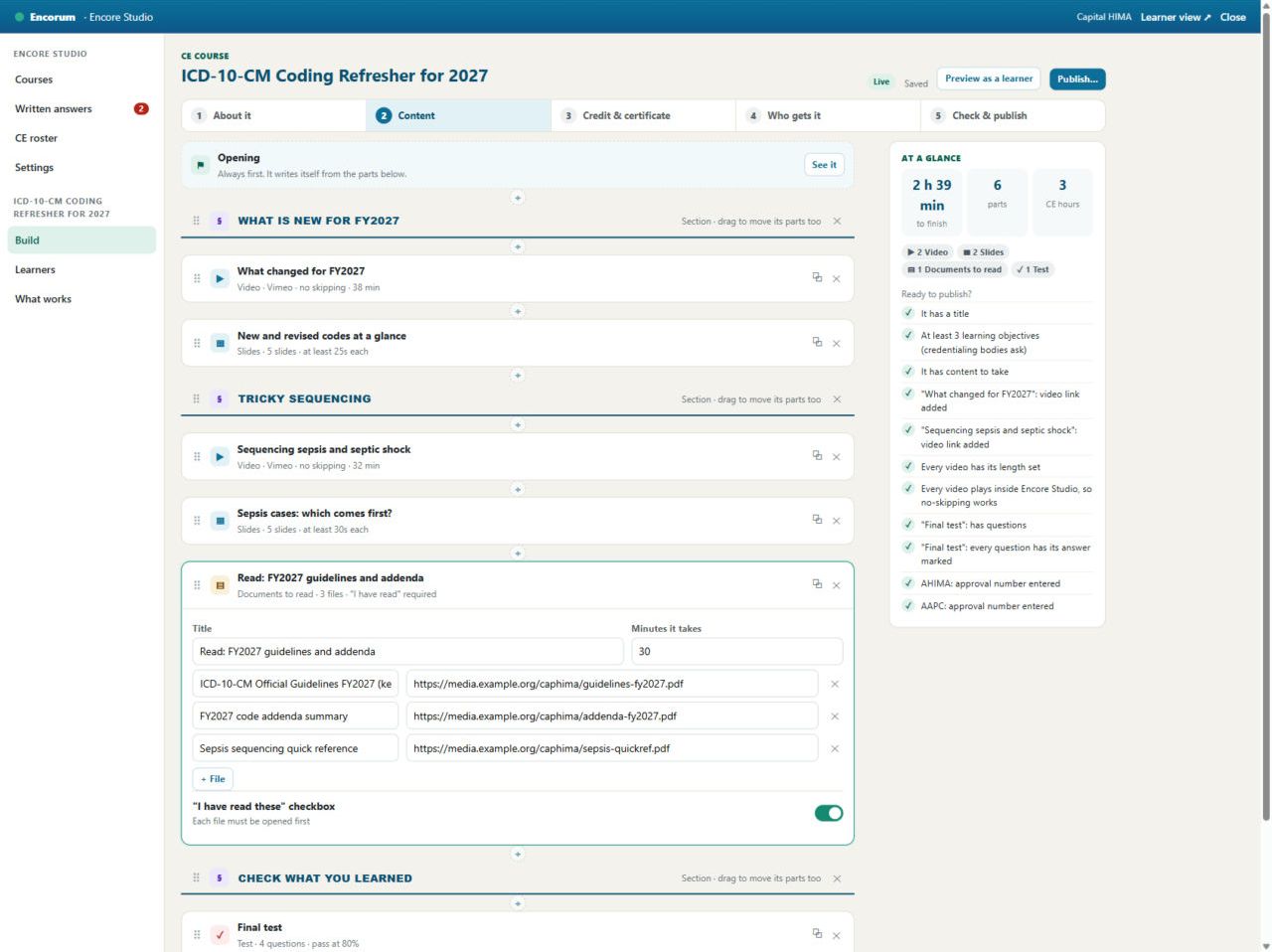
Build a CE course in an afternoon. Members learn at their own pace, videos cannot be skipped, and certificates say exactly how attendance was checked, so anyone can verify them.
- Courses with videos, readings, tests and sign-offs
- Orientations for new board members and volunteers
- Event CE claims with verifiable certificates
Ledger: books the treasurer can trust
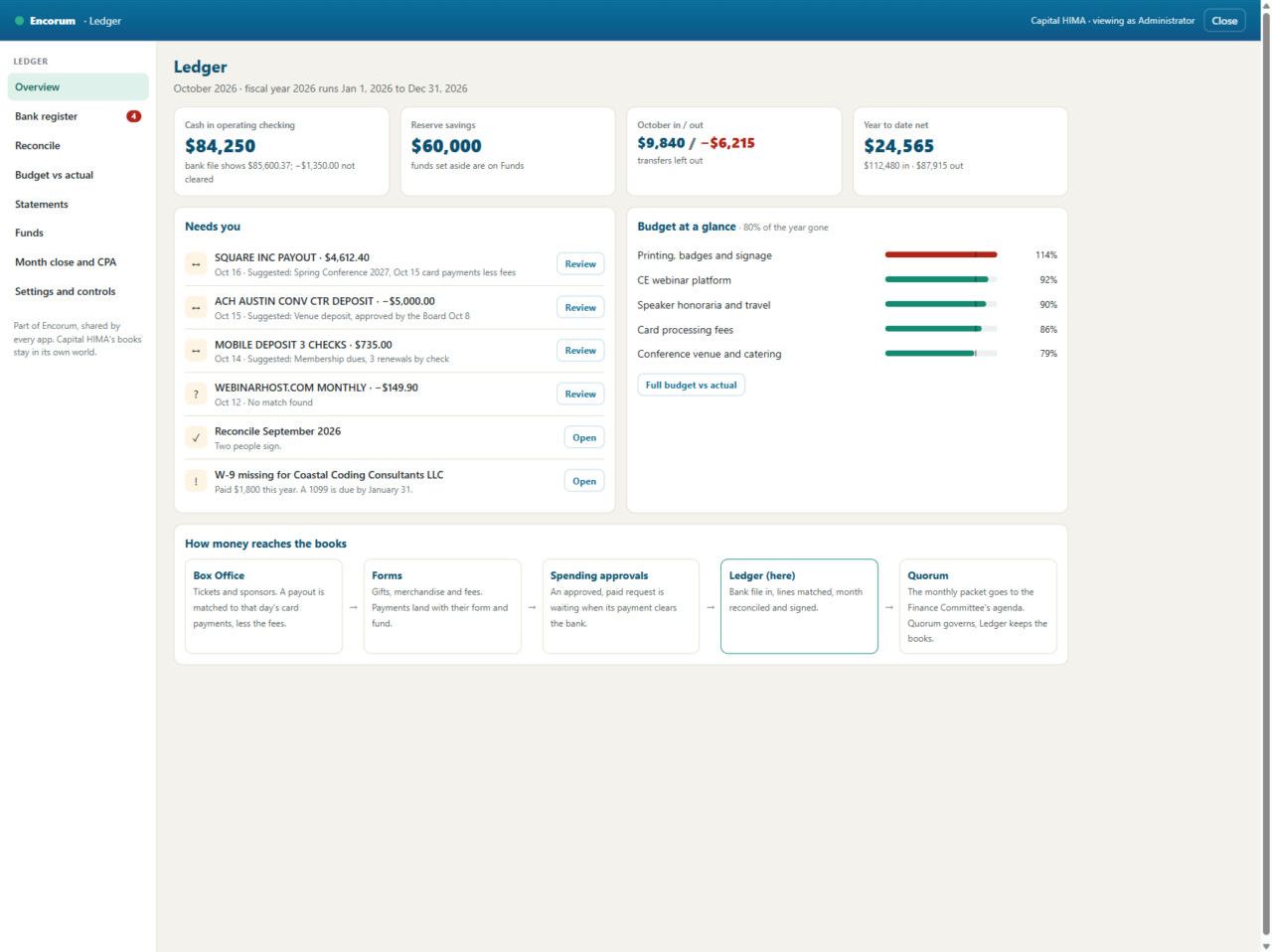
Spending requests route for approval before money goes out. Bank lines match themselves to payouts, deposits and approved spending, and two people sign the reconciliation.
- Budgets against actuals, statements and CPA exports
- Spending approvals with dual control
- Month close that sends the packet to the finance committee
Built by someone who sits at the board table.
One sign-in, one record
Move from the board meeting to the conference to the books without signing in again. Everything points at the same member list.
Your money, your processor
Payments go straight to your bank through the processor you choose. No per-payment fee from us, ever.
Votes you can defend
Secret ballots, one vote per voter, turnout against your bylaws and a full record of every motion. Never limited by plan.
Works on a phone
Members check in by scanning a code, vote from their seat and renew on their lunch break. It installs from the browser, no app store.
Plain words everywhere
Screens are written for volunteers, not consultants. Every form asks a clear question and shows what will happen.
Grows with you
Start on Essentials. Add events, payments, learning and the books when you are ready. Nothing to migrate.